
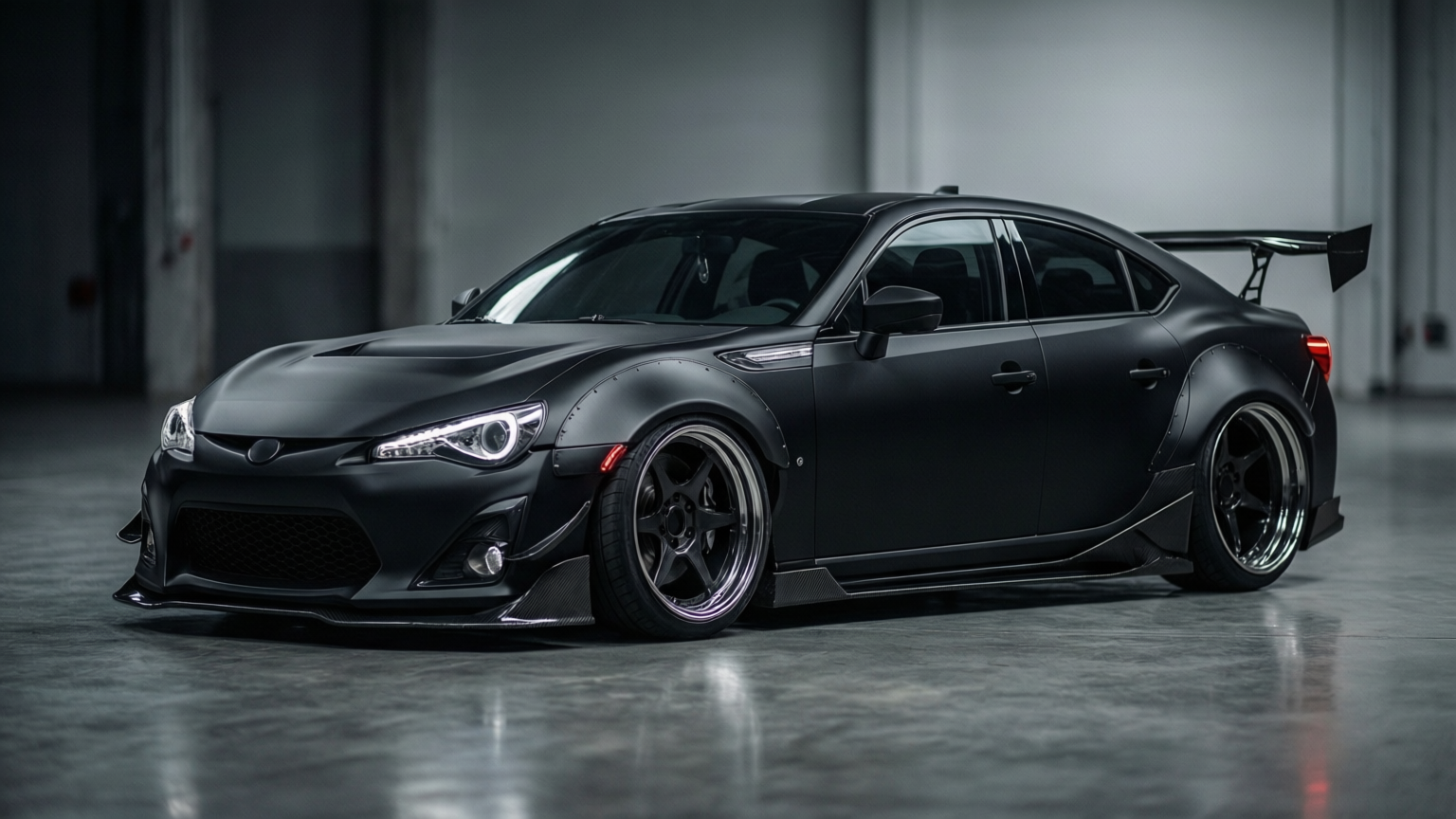
A chrome delete visualizer helps you answer one expensive question before you pay a shop: does black trim actually improve the whole car, or just change one detail?
What chrome delete changes visually
- Window surrounds feel cleaner and sharper
- Wheels and trim look more coordinated
- Bright paint colors usually gain more contrast
When a trim delete works best
Chrome delete tends to work well when your car already leans sporty, monochrome, or premium-minimal. If the rest of the build still has bright trim, previewing first matters even more.
Before you book the job
- Compare stock and black-trim versions side by side
- Check whether mirrors, badges, and wheels still match
- Decide if you want partial or full trim blackout
Next steps
- Preview your own trim concept in carmodder
- See full build references in showcases
- Compare workflow and credits in pricing
Related wrap guides
- Read tesla wrap visualizer if your trim blackout decision is part of a Tesla-style wrap build
- Read matte vs gloss wrap to see how trim contrast changes under different finishes
- Read car wrap visualizer tool for the broader finish-plus-trim workflow